

October is Cybersecurity Awareness Month, and this year the National Cybersecurity Alliance picked a theme that says it plainly: “Don’t Make It Easy for Them.”
That is the whole story of modern cybercrime. Most attackers are not breaking in with movie-style hacking. They log in with a password you reused. They ride a text message you tapped. They use a flaw your phone fixed three updates ago. They take the easy door, and in most homes, every door is easy.
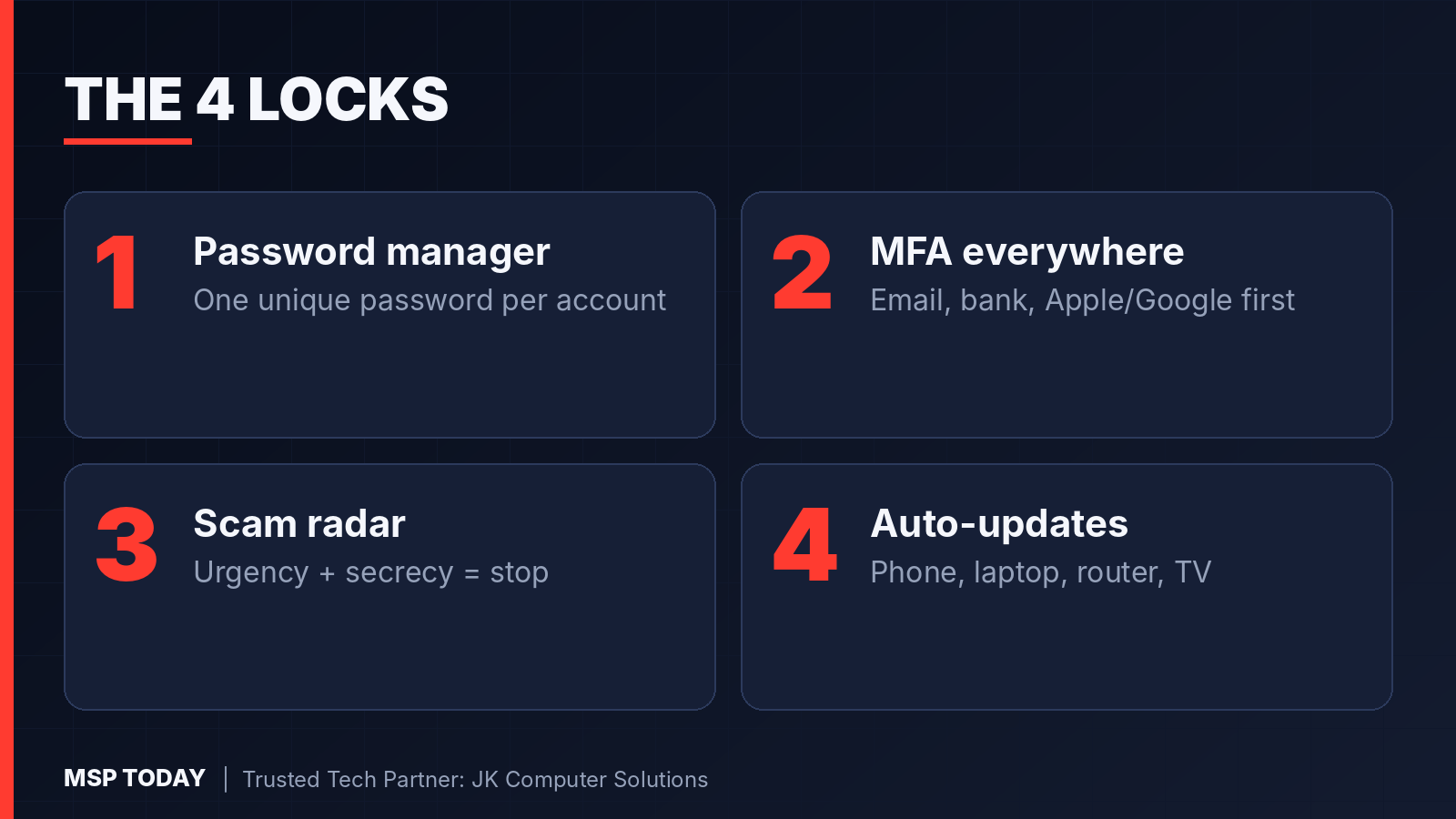
The Alliance boils the fix down to four fundamentals. Here is what each one looks like in real life.
Lock 1: Use a password manager, not your memory
If you use the same password on a shopping site and your email, one breach at the shopping site opens your email, and your email opens everything else, because every “forgot password” link lands there.
A password manager creates and remembers a different long password for every account. You remember one strong passphrase, and the manager does the rest. This is the single biggest upgrade most households can make.
Lock 2: Turn on multifactor authentication where it counts
Multifactor authentication (MFA) means a stolen password alone is not enough. Start with the accounts that could hurt the most if they were taken over: your primary email, your bank and credit cards, your Apple or Google account, and your social media. Use an authenticator app or a passkey when you have the choice, since text codes are better than nothing but weaker.
Lock 3: Build your scam radar
Almost every scam runs on the same three ingredients: urgency (”act now”), secrecy (”don’t tell anyone”), and an unusual way to pay (gift cards, crypto, wire transfers). When you see two of the three, stop. Do not use the phone number or link in the message. Look up the real number yourself and call back.
Lock 4: Let updates install automatically
Updates are not about new emoji. They patch the holes attackers are actively using. Turn on automatic updates for your phone, laptop, tablet, and home router. If a device no longer receives updates from its maker, it is time to retire it.
Your 30-minute household checklist
Install a password manager and move your email, bank, and Apple/Google passwords into it first.
Turn on MFA for those same accounts.
Agree on a family rule: no one sends money or codes because of an urgent call or text. Everyone calls back first.
Switch on automatic updates on every phone, computer, and the router.
List any device that is too old to update, and plan its replacement.
Businesses forget the same locks
The Alliance’s 2026 small business survey shows the gap clearly: 86.8% of small businesses have deployed MFA, but only 51.1% require it across all their key accounts. And 88.4% have backups, yet only 61.4% have ever tested them. Having the lock is not the same as turning it.

Not sure it is set up right? Let us look with you.
Reply to this email with the word LOCKS and tell us roughly how many devices are in your home or office. Or book a conversation at jkcsi.com/contact.
JK Computer Solutions, MSP Today’s Trusted Tech Partner, will help you see what is exposed and what to fix first.